About Course
Every Indian office runs on spreadsheets: salary sheets, attendance registers, GST invoice lists, fee registers and marksheets. Yet most people learned Excel by watching a colleague, so totals are typed by hand, VLOOKUP quietly returns the wrong rate, hidden spaces split one customer into two, monthly reports take hours, and formulas copied from AI chat tools break on the second row. This course teaches you to build spreadsheets that are correct, checkable and quick, using Indian office data throughout: invoices in rupees, GST-inclusive prices, attendance codes, marksheets and salary sheets.
What you will learn
- Excel basics done right: layout habits, cell references, tables, rupee and date formats, freeze panes, data validation, sorting and filtering
- Essential formulas with exact syntax: SUM, AVERAGE, COUNT, ROUND, IF, IFS, AND, OR, COUNTIF(S), SUMIF(S) and AVERAGEIF(S), with GST-inclusive and CGST/SGST calculations
- Lookups that do not fail: VLOOKUP with exact match, XLOOKUP and INDEX/MATCH, including slab tables
- Dates and working days: DATE, EOMONTH, EDATE, DATEDIF, NETWORKDAYS and NETWORKDAYS.INTL for six-day offices, and the TEXT function
- Data cleaning: TRIM, PROPER, SUBSTITUTE, Text to Columns, TEXTSPLIT, Remove Duplicates and Flash Fill
- Reports: pivot tables with Indian financial-year quarters, charts, conditional formatting, and dynamic arrays (FILTER, SORT, UNIQUE) with clear notes on which versions support them
- Using Copilot in Excel, ChatGPT, Gemini and similar tools to write and explain formulas, with a verification routine; Google Sheets equivalents and differences; protection, sharing and handling personal data
- Three ready-to-use templates built step by step: a GST invoice register, an attendance and leave tracker, and a salary sheet with payslip, plus a formula cheat sheet
Who this course is for
Office assistants and clerks, accounts assistants, HR and admin staff, school and college teachers and office staff, small business owners, students and job seekers in India. You need only a computer with Excel (any recent version, or free Excel for the web) or Google Sheets. Every newer function is marked with the versions that support it, with an alternative for older versions.
How the course works
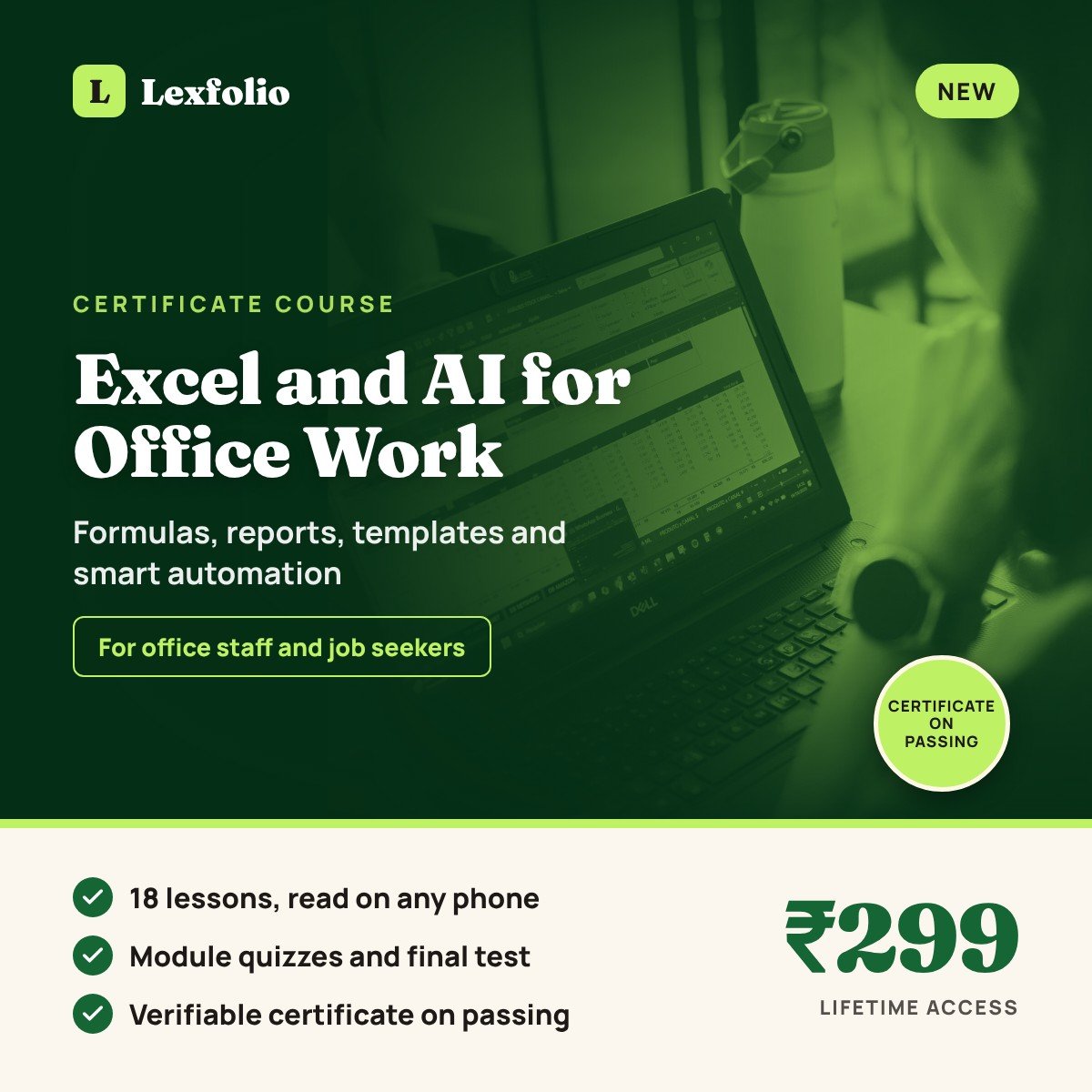
6 modules, 18 lessons, with a quiz of 5 questions after each module. All lessons are text-based with numbered steps and worked examples whose answers you can check as you type them. Module 6 brings everything together in three templates you can use at work from the next day. This is a practical skills course. For the wider rules of using AI tools safely at work (verification, confidentiality, copyright and AI scams), see the companion course, Certificate Course in AI at Work.
How the certificate works
- A final test of 30 multiple-choice questions, mostly practical formula scenarios, with a 45-minute time limit
- Pass mark 60%; you can retry if you do not pass
- On passing, you receive a Lexfolio certificate with a unique ID that anyone can verify online at lexfolio.in/verify-certificate/
- It is a certificate of completion from Lexfolio, not a degree, diploma or professional qualification
How to show this on your CV and LinkedIn
List it under Certifications or Training as “Certificate Course in Excel and AI for Office Work, Lexfolio (certificate of completion), 2026”, with the verification ID. Then show the skill: mention the templates you built (GST invoice register, attendance tracker, salary sheet) and the functions you can use, such as XLOOKUP, SUMIFS and pivot tables. Employers often give a short Excel test at interview; the worked examples in this course are good practice for it.
This course is for education and skill-building. It is not tax, payroll or legal advice; GST rates, statutory deductions and leave rules in examples are illustrative, and software features are described as on 31 October 2026. For a legal question, consult a lawyer or your District Legal Services Authority (NALSA helpline 15100).
Access: after payment, open My account > Courses and start learning. Lifetime access.
Course Content
Module 1: Excel basics done right
Lesson 1.1: Why this course matters, who it is for, and how cell references work
Lesson 1.2: Excel tables, number formats and freeze panes
Lesson 1.3: Data validation, sorting and filtering
Module 1 quiz
Module 2: Essential formulas: calculations, logic and conditional totals
Module 3: Lookups, dates and data cleaning
Module 4: Reports: pivot tables, charts, conditional formatting and dynamic arrays
Module 5: AI assistants, Google Sheets and safe sharing
Module 6: Build three ready-to-use templates, plus a formula cheat sheet
Final Assessment and Certificate
Student Ratings & Reviews

No Review Yet